Migrating Jira to Kubernetes
This document explains the process of migrating an existing Jira installation to Kubernetes.
This document explains the process of migrating an existing Jira installation to Kubernetes.
💡
Jira 9.12.15 to 10.3.6
Pre-configured resources
- Rook ceph(Block, Filesystem)
- cert-manager
- Nginx ingress controller
- DB(PostgreSQL)
Helm Chart
Version: v3.17.3(GoVersion: go1.23.7)
Add the Helm chart repository
helm repo add atlassian-data-center \
  https://atlassian.github.io/data-center-helm-charts
Check Atlassian product version with chart version
helm search repo atlassian-data-center/jiraGet values.yaml command
helm show values altassian-data-center/jira --version 1.22.1 > values.yamlEditing values.yaml
Modify according to your configuration.
Create namespace
kubectl create ns atlassianDeploy helm chart
Jira version: 9.12.15
helm install jira \
 atlassian-data-center/jira \
 -f values.yaml \
 -n atlassian \
 --version 1.22.1
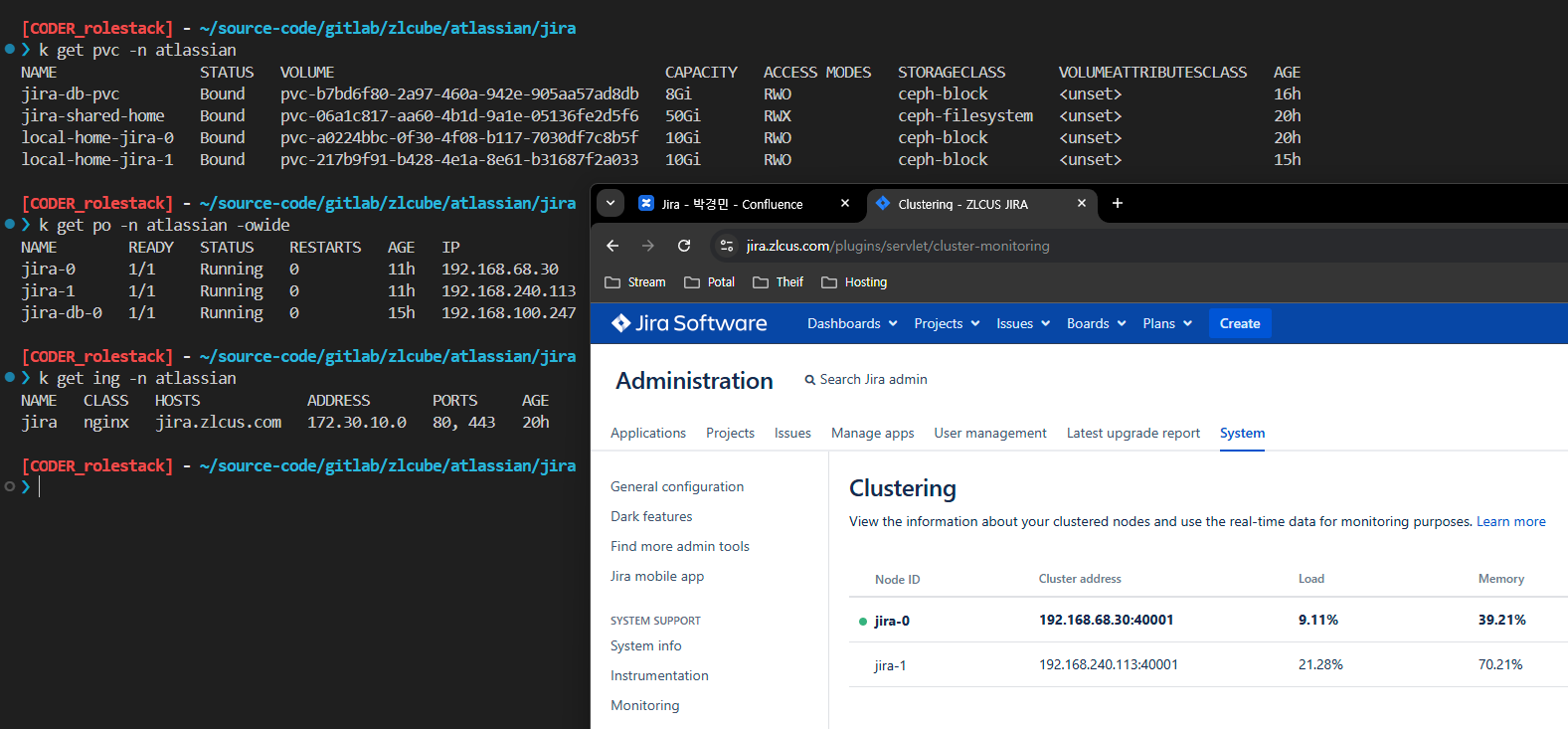
Check deployment
💡
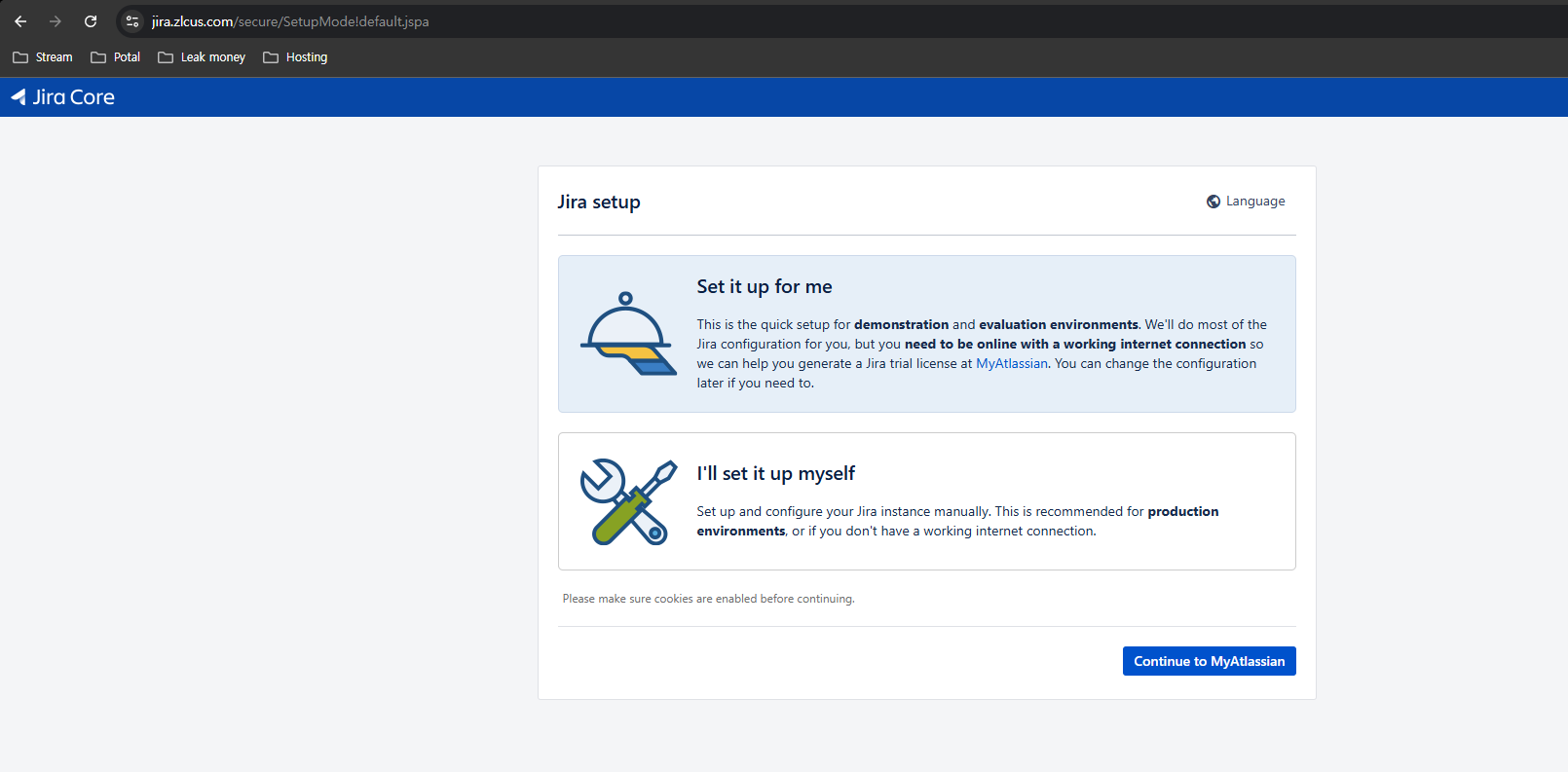
The purpose of this initial startup is to intentionally enter an invalid database URL in order to create an empty Persistent Volume (PV) for Jira data(application-data, shared-home) migration.
Data Migration
Process for importing existing application data and using it in the existing environment
Migration strategy
- Jira deploy(replicas=1) with empty data(application-data, shared-home)
- Get application-data directory from as-is jira instance(Rsync in to-be jira pod)
- Get shared-home directory from as-is jira instance(Rsync in to-be jira pod)
- Jira pod delete for restart
- Check jira data
- Scale the Jira pod from 1 to 2
Upgrade
Upgrade strategy
- replicas 0(shutdown all Jira pod)
- Helm chart upgrade
Shutdown all Jira pod
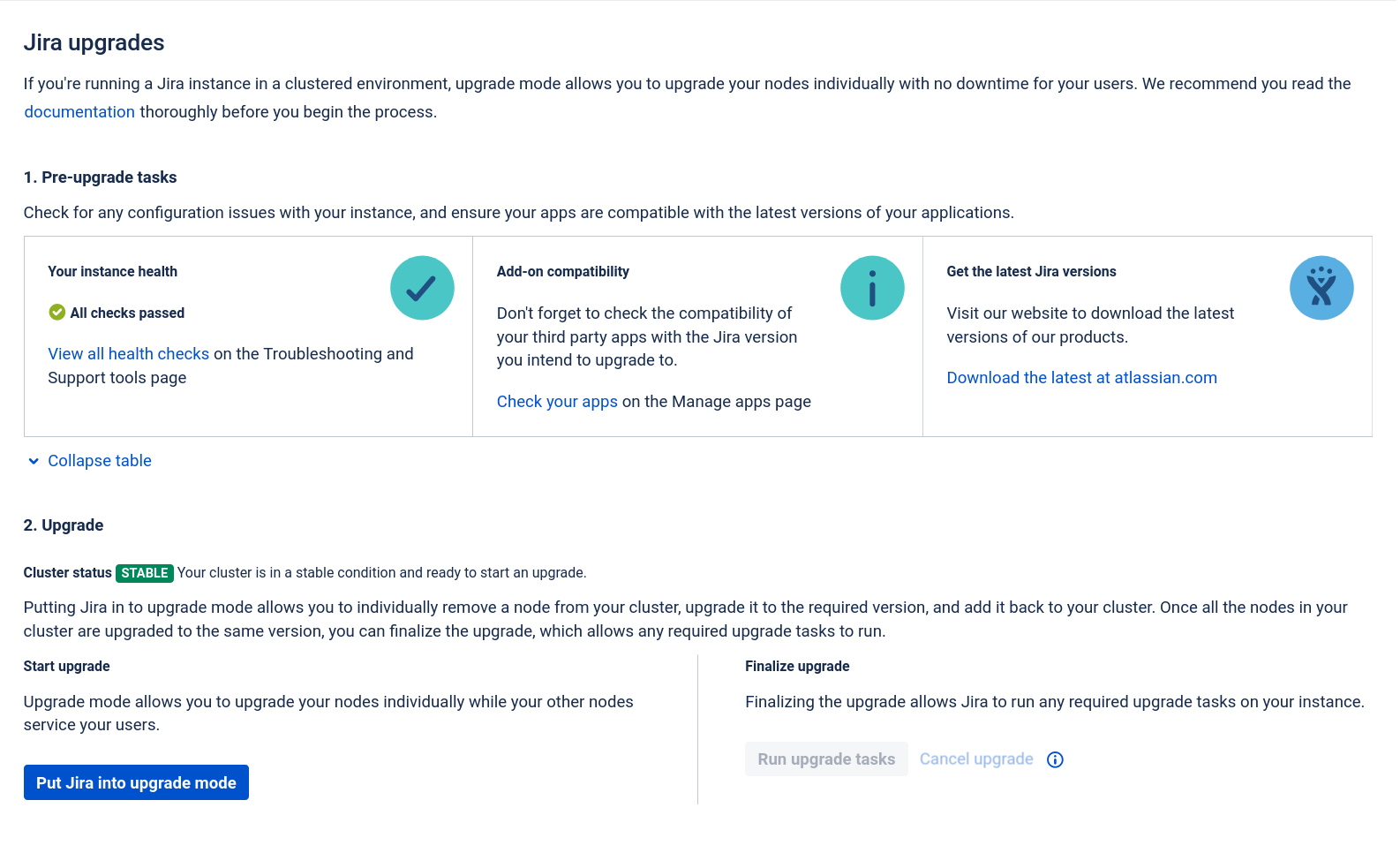
kubectl scale statefulset --replicas 0 -n atlassian jiraFor a Rolling upgrade, adjusting the replicas is not necessary.
Helm chart
Jira version: 9.12.15 → 10.3.6
helm upgrade \
 jira atlassian-data-center/jira \
 --version 2.0.1 \
 -f values.yaml \
 -n atlassian
🗒️
During
The previous
helm upgrade, pods are created based on the replicaCount in values.yaml, and the first pod performs the upgrade task.The previous
--replicas 0 setting is ignored.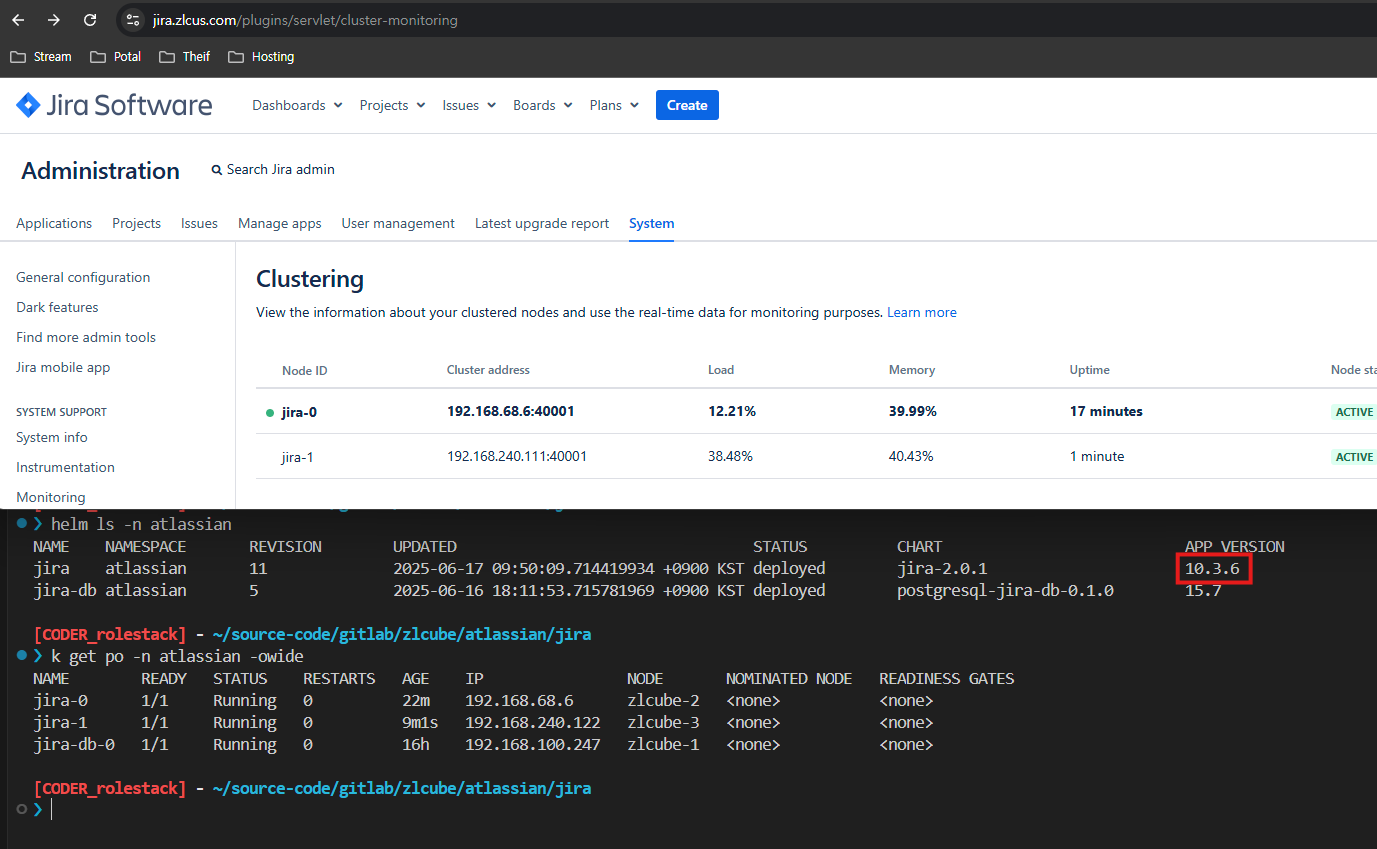
Notes
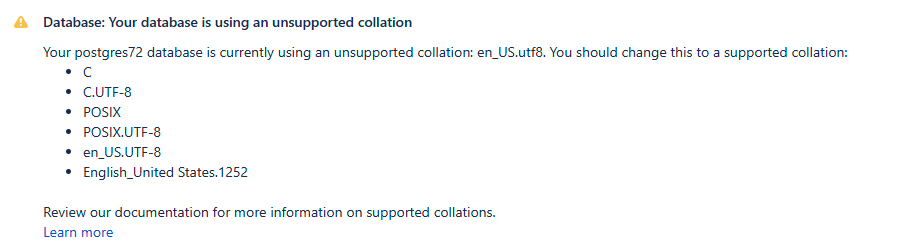
Database unsupported collation
When PostgreSQL(15.7) was first deployed via Docker, the collation was set to en_US.utf8 by default.
Shutdown Jira
kubectl scale statefulset --replicas 0 -n atlassian jiraRestarting PostgreSQL to Reset Connections
Delete all pod
kubectl delete pod -n atlassian jira-db-0Execute db pod
kubectl exec -it -n atlassian jira-db-0 – bashExport the existing database
pg_dump -d <OLD-DATABASE> -Fc -f old.dump(Optional) Drop the existing database
DROP DATABASE <OLD-DATABASE>;Create new database
CREATE DATABASE <NEW-DATABASE>
  LC_COLLATE='C.UTF-8'
  LC_CTYPE='C.UTF-8'
  ENCODING='UTF8'
  TEMPLATE=template0;
Restore the dump file to the new database
pg_restore -d <NEW-DATABASE> -Fc old.dumpGrant database privileges to an existing user
GRANT ALL PRIVILEGES ON DATABASE <NEW-DATABASE> TO <EXIST-USER>;Start Jira
Switch to existing replicas
kubectl scale statefulset --replicas 2 -n atlassian jira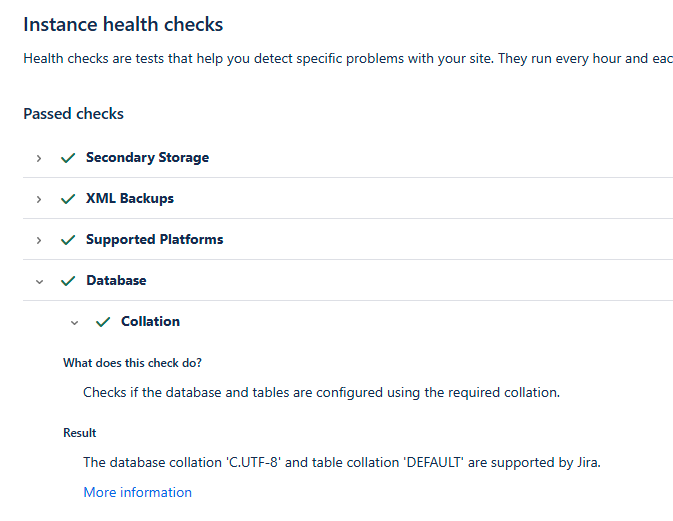

Reference
Products upgrade - Atlassian DC Helm Charts